


 +
+ 
Automate your budget
in minutes, not hours
Saves the average user ~2 hours/mo without giving up control of your data. That's 24 hours per year back in your life
We never store your info. Bank-level security through Plaid — the same system trusted by major financial institutions.



• How Avery Works
Securely connect your banks in 3 simple steps and your budget updates automatically
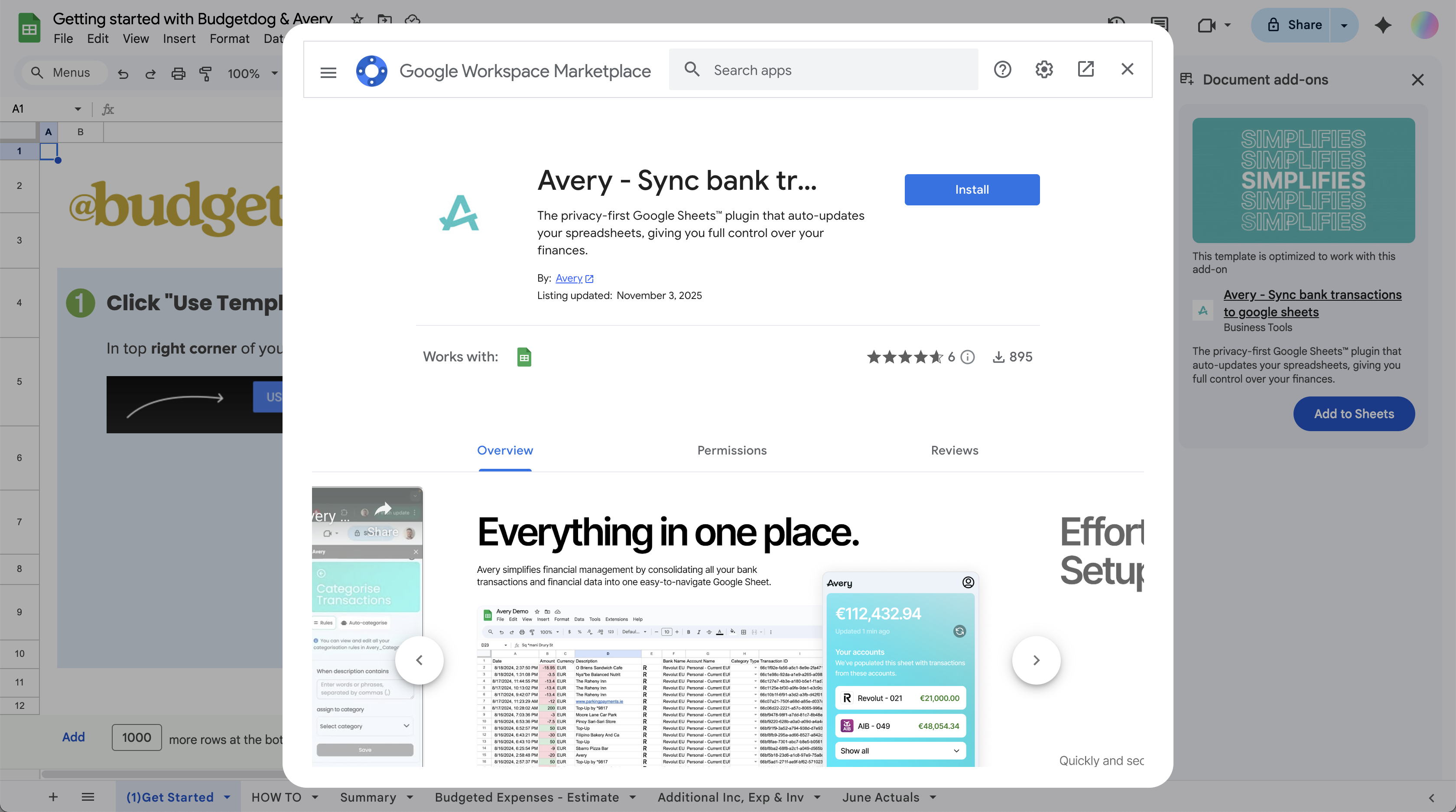
Step 1
Install Avery Browser Extension
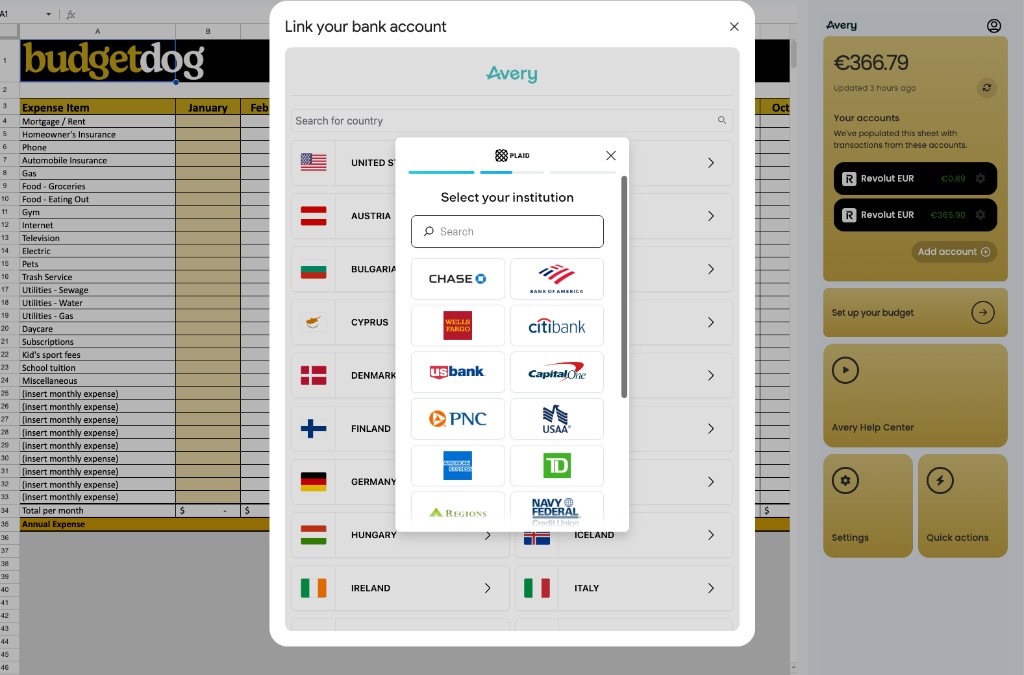
Step 2
Sync your Bank Accounts
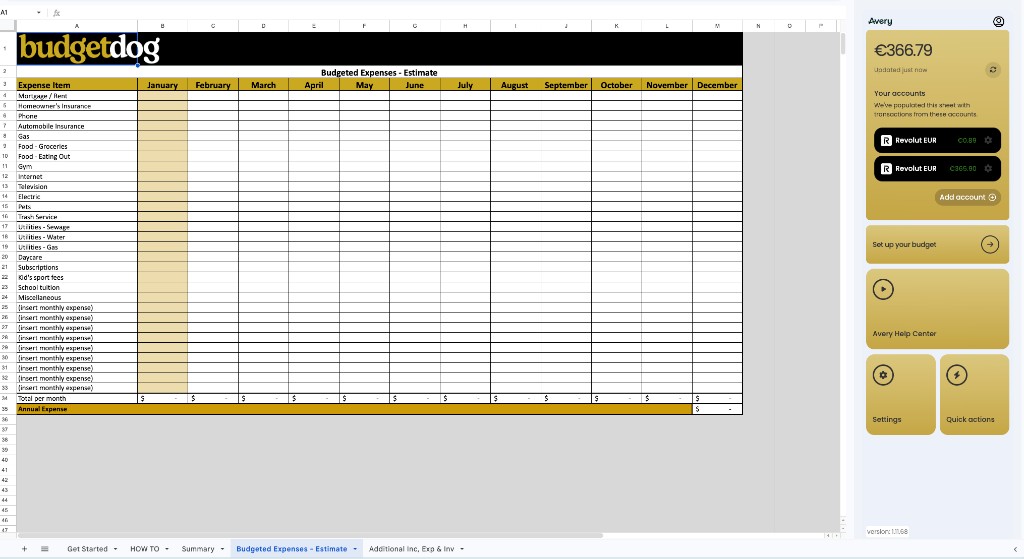
Step 3
Automated Budgeting
Your data never touches our servers
Bank-level encryption. Zero data retention. Complete peace of mind.
 What You Get
Everything Included
with Budgetdog
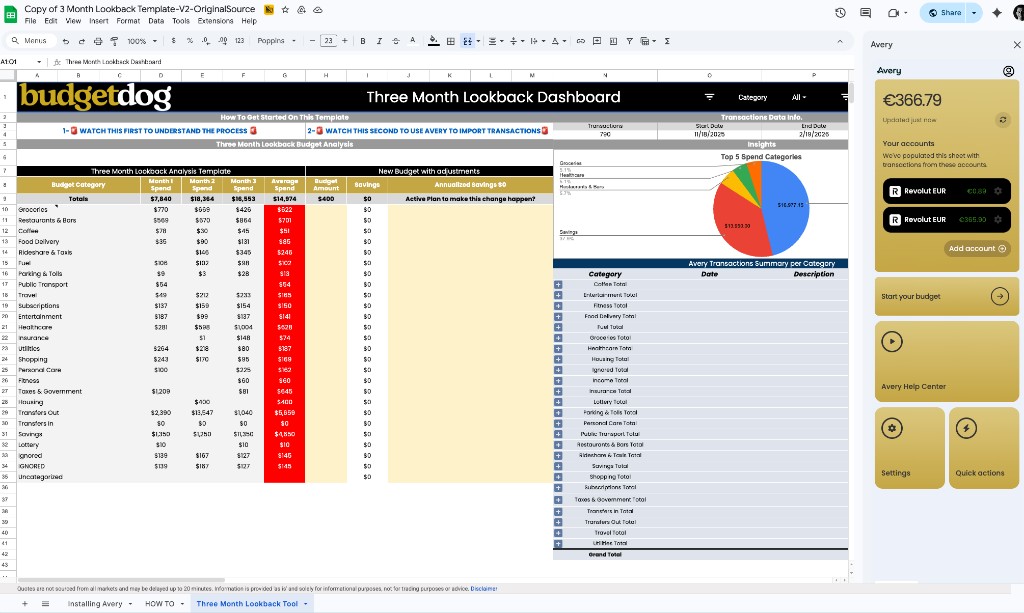
• 3-Month Look-Back
See where your money went.
Instantly review 3 months of spending, broken down by category — so you start with real data, not guesswork.
Automatic transaction import
Categorized spending breakdown
Recurring charge detection
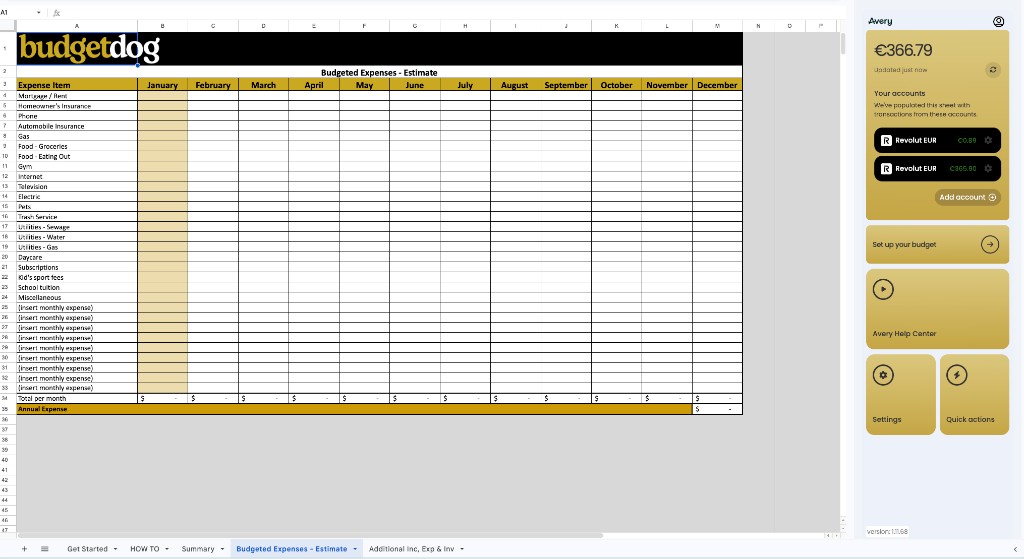
• Budget Template
Your budget, fully built.
Track income, expenses, and savings month by month. Avery syncs transactions directly into your template.
Income and expense tracking
Estimates vs. actuals comparison
Dashboard with charts and trends
• Powered by Avery
Bank sync, AI sorting, custom rules.
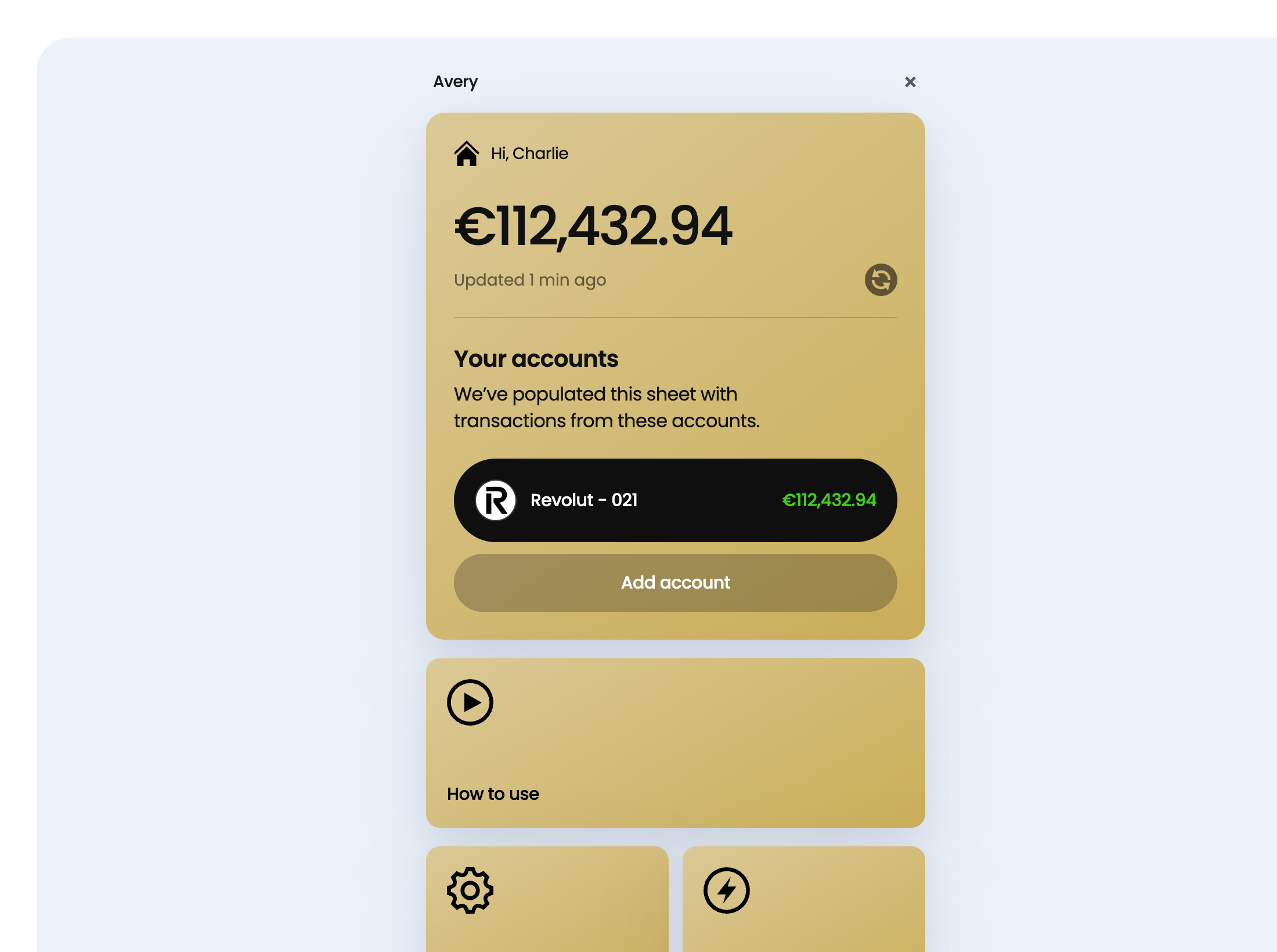
Transactions import automatically, get categorized by AI, and follow your rules — your budget updates itself.
Bank syncing across all accounts
AI-powered categorization
Custom rules for merchants
 User Stories
 What Our Users Say
Pricing Plans Exclusive Discount for Budgetdog Members


Monthly Plan


Annual Plan

Frequently Asked Questions
Yes, absolutely. Avery uses Plaid and GoCardless to securely connect to your bank accounts. We never store your banking credentials. All data is encrypted in transit and at rest using bank-level AES-256 encryption. Your financial data is only used to populate your spreadsheet — we never sell or share it with third parties.
Avery uses trusted third-party providers like Plaid and GoCardless to establish secure connections with your bank. Simply log in through our extension, select your bank, and authorize the connection. The entire process takes less than 2 minutes.
Getting started is simple: install the Avery browser extension, connect your bank accounts through our secure portal, and select your Budgetdog template. Your transactions will start syncing automatically within minutes.
Avery supports most major banks and credit cards in North America through Plaid. You can find the complete list of supported institutions on Plaid's website linked here. Note that bank connections can occasionally break and may require reconnection.
No. Using the desktop version of Excel to open Google Sheets files will cause desynchronization. Always access your Budgetdog template through Google Sheets in your web browser.
You can manage your subscription and cancellation through Avery's account settings or by contacting support@averyapp.ai.